


1080p Mini Projector with WiFi & Bluetooth (4K Input)
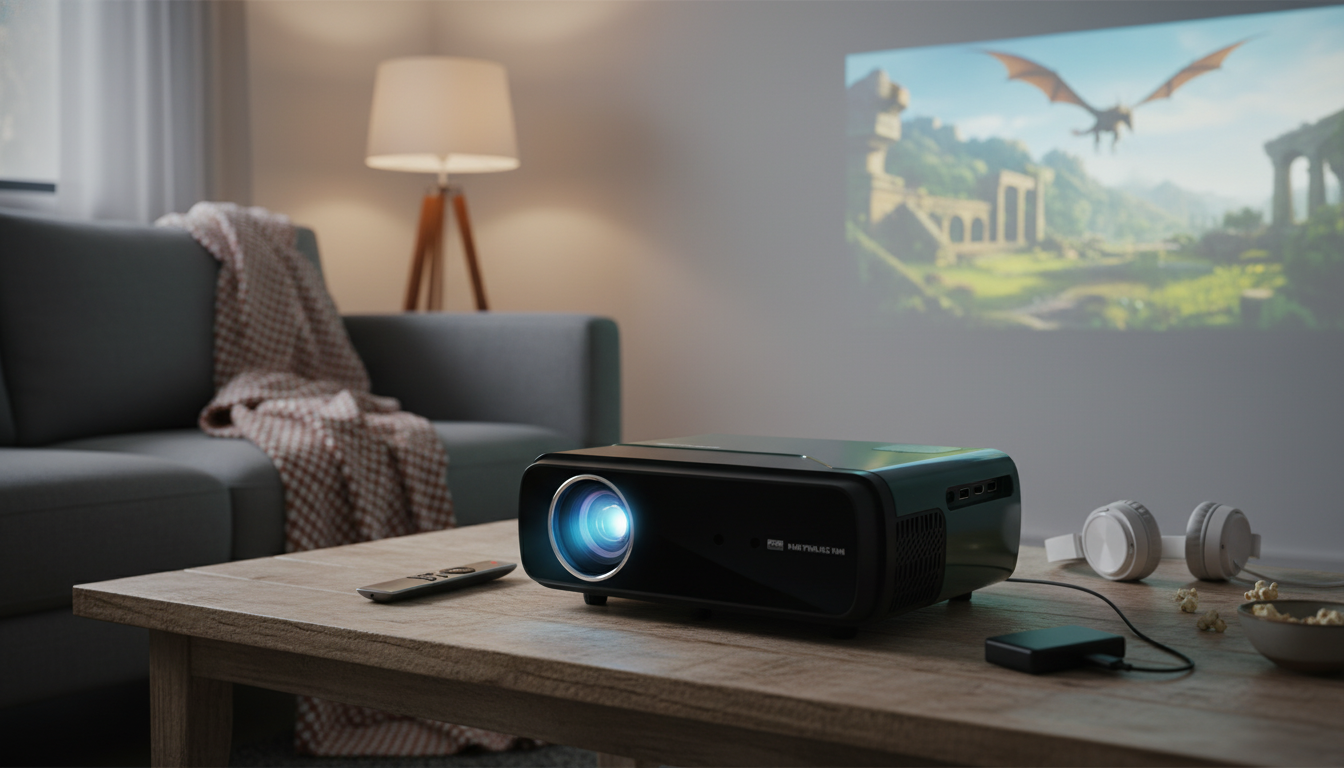
1080p Full HD Portable 4K WiFi Bluetooth Mini Projector: Big-Screen Viewing Anywhere
A compact projector can turn a blank wall into a movie screen in minutes—at home, in a dorm, or while traveling. This portable mini projector focuses on sharp 1080p playback, 4K input compatibility, and convenient wireless features like WiFi screen mirroring and Bluetooth audio, making it easier to set up a simple entertainment space without a complicated cable stack.
What This Mini Projector Is Designed For
This style of mini projector is built for flexible, “set it down and start watching” setups—especially when space is tight or you don’t want a permanent TV on the wall.
- Portable, quick-to-deploy projection for movies, shows, sports, and casual gaming
- Flexible placement in small rooms where a TV size feels limiting
- Wireless-friendly setup for phones, tablets, and laptops when supported by the device and apps
- Bluetooth audio pairing to reduce reliance on built-in speakers
- Occasional presentations or photo slideshows in dim to dark environments
If you’re shopping for a compact option with modern connectivity, start with the 1080p Full HD Portable 4K WiFi Bluetooth Mini Projector—a practical fit for bedrooms, dorms, and travel kits.
Display and Image Quality Basics
Portable projectors deliver their best picture when you match expectations to the environment. With 1080p playback, the image can look noticeably cleaner than lower-resolution mini models—especially for subtitles, menus, and fine edges.
- 1080p Full HD playback helps keep text and fine details more legible than lower-resolution mini projectors.
- 4K compatibility typically means the projector can accept a 4K signal and downscale it to the projector’s native output.
- Ambient light control matters: darker rooms (curtains, nighttime viewing) usually produce better contrast and richer color.
- Wall vs. screen: a smooth wall works, but a dedicated screen often improves perceived uniformity and contrast.
- Sharper setup habits: align the projector square to the wall/screen and keep the lens clean.
For reliable video sources and simple device compatibility, HDMI remains a common standard across laptops, consoles, and streaming sticks (see the official overview from HDMI Licensing Administrator).
WiFi Screen Mirroring and Streaming Considerations
WiFi mirroring is convenient when it works well: fewer cables, faster setup, and easy sharing from a phone or tablet. The main caveat is that streaming apps don’t all treat mirroring the same way.
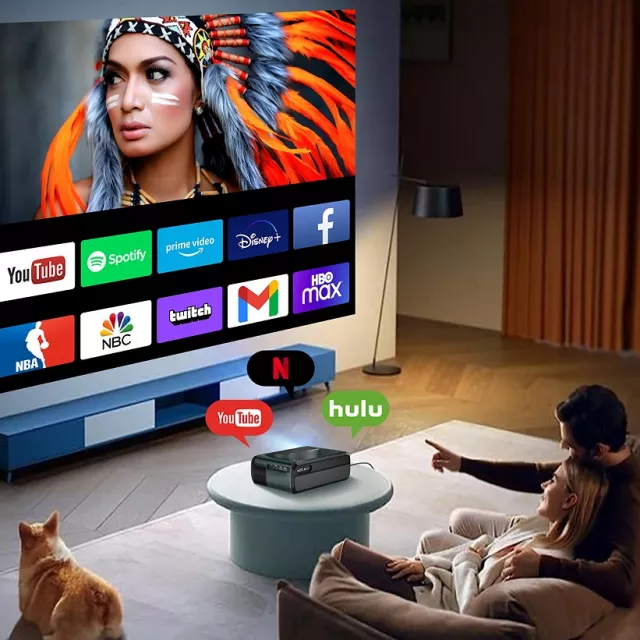
- WiFi connectivity can enable screen mirroring from compatible devices (phone, tablet, laptop), depending on OS support and the projector’s mirroring protocol.
- For streaming services, some apps restrict mirroring due to DRM; using a supported streaming stick or direct input can be more reliable.
- If mirroring stutters, reduce distance to the router, switch to a less congested WiFi band if available, or lower the source device output settings.
- For iOS/Android, confirm permissions and keep devices updated to improve connection stability.
- When possible, prefer direct HDMI input for the lowest latency (useful for gaming).
For background on WiFi interoperability and standards, the Wi‑Fi Alliance is a helpful reference point.
Bluetooth Audio: Cleaner Sound Without Extra Cables
Built-in projector speakers are fine for quick viewing, but Bluetooth audio pairing can make movie nights feel more “theater-like” without running a long aux cable across the room.
- Bluetooth pairing is ideal for connecting to a soundbar, portable speaker, or headphones (when supported) for better volume and clarity.
- If audio delay is noticeable, try a different speaker, reduce wireless interference, or switch to a wired audio output if available.
- Keep the speaker close to the projector for a stronger signal in crowded WiFi environments.
- For movie nights, a compact Bluetooth speaker placed near the audience often sounds fuller than built-in speakers.
Bluetooth capabilities and device behavior can vary by hardware; the Bluetooth SIG provides a clear basics overview.
Portability and Placement Tips
Most “why does this look blurry?” moments come down to placement. A few small habits can improve sharpness and reduce frustration.
For a cozy, low-glare room vibe during late-night viewing, a gentle ambient light can help. The 13-Color RGB LED Night Light for Kids can work as a soft background light set to a dim, warm tone (placed behind the seating area rather than near the screen).
Quick Start Setup (From Box to Movie Night)
For travel-heavy use, consider packing a small “comfort kit” for longer sessions. A compact accessory like the Portable Eye Massager can be a nice add-on after extended viewing or laptop work on the road.
Best Use Cases (Where This Type of Projector Shines)
Specifications Snapshot
| Category | What to Verify | Why It Matters |
|---|---|---|
| Resolution | 1080p playback; 4K input compatibility | Sharper picture and broader device compatibility |
| Wireless | WiFi mirroring support and stability | Fewer cables for phones/tablets/laptops |
| Audio | Bluetooth pairing + any wired audio options | Better sound and fewer sync issues |
| Placement | Stable mounting/leveling options | Cleaner geometry and easier focusing |
| Environment | Performance in dim lighting | Improved contrast and viewing comfort |
Care, Maintenance, and Common Fixes
FAQ
Does 4K compatibility mean the projector displays true 4K?
Often, no. Many portable projectors can accept a 4K input signal but display it at their native resolution (commonly 1080p), so you get solid detail and compatibility without true 4K pixel output.
Why won’t Netflix (or other streaming apps) play through screen mirroring?
Some streaming apps block mirroring due to DRM restrictions. If that happens, using a compatible streaming stick via HDMI (or another direct input method) is usually more reliable than wireless mirroring.
How can Bluetooth sound delay be reduced?
Keep the speaker close, reduce wireless interference, and try a different Bluetooth speaker if latency is noticeable. When available, switching to a wired audio connection is the most dependable way to eliminate delay.















Leave a comment