


Dash Cam vs Backup Camera: Which Is Better?
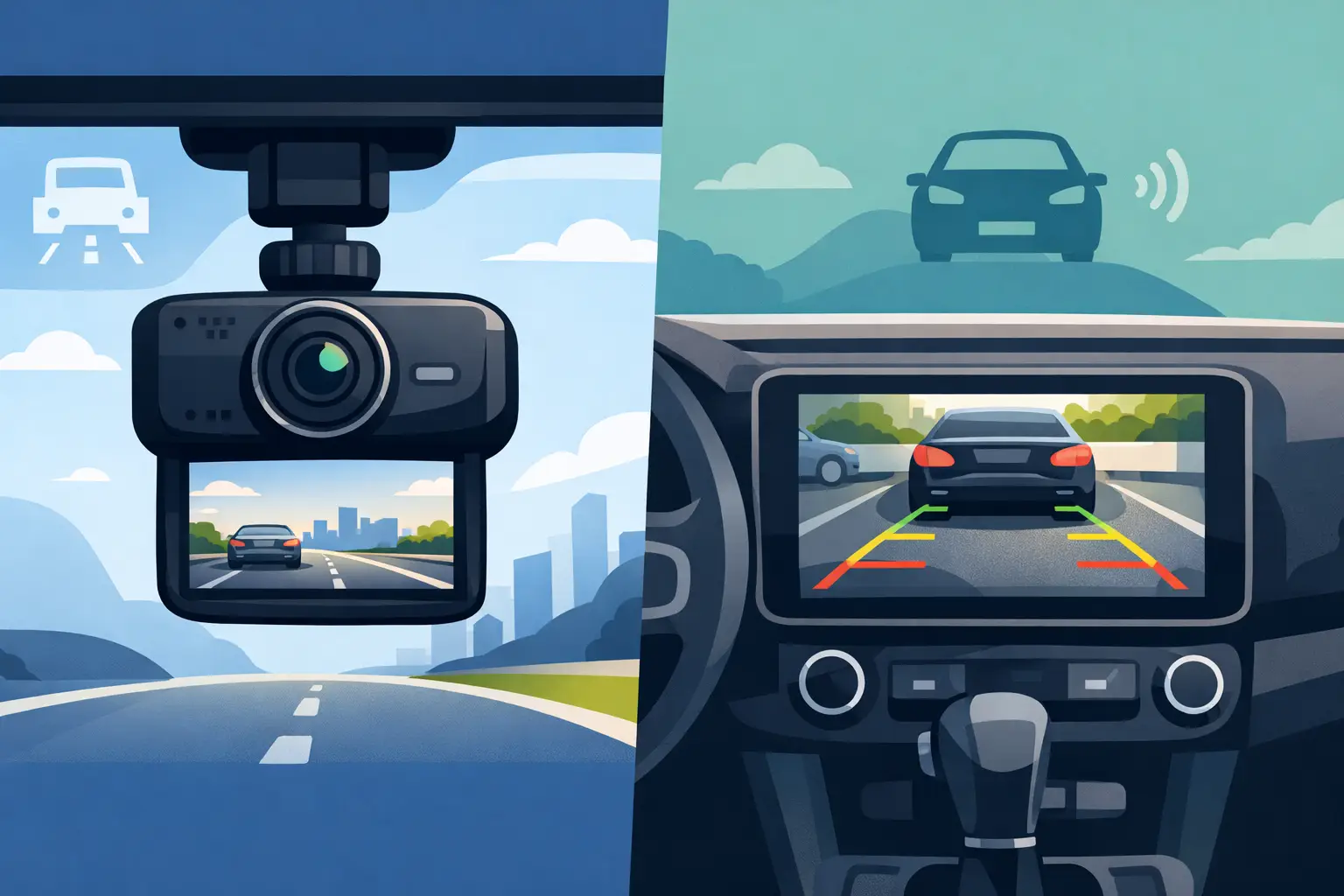
A tight grocery-store parking space and an unexpected stop on the highway call for two very different tools. In the dash cam vs backup camera decision, the best choice depends on what happens most often behind the wheel: parking in close quarters, documenting the road ahead, or both. These cameras can make daily driving feel more informed, but they are designed to solve separate problems.
A backup camera helps you see the area immediately behind your vehicle while reversing. A dash cam records activity around your vehicle, usually while driving and, on some models, while parked. For many drivers, choosing both creates the most useful coverage without paying for features they will not use.
Dash Cam vs Backup Camera: The Quick Answer
Choose a backup camera if your main concern is safer, easier reversing. It is especially useful for larger vehicles, older cars without factory camera systems, drivers who regularly use crowded lots, and anyone who wants a clearer view behind the bumper.
Choose a dash cam if you want a video record of your drive. It can capture a collision, unsafe driving by another vehicle, road conditions, or an incident while your car is parked, depending on the model and settings. That footage may be useful when dealing with an insurance claim or simply reviewing what happened.
If your budget allows, these products work well together rather than competing. A backup camera handles the low-speed view you need during reverse maneuvers. A dash cam provides documentation before, during, and after events on the road. A front-and-rear dash cam can add rear-facing recording, but it still does not always replace a true reverse camera display.
What a Backup Camera Does Best
A backup camera activates when the vehicle is shifted into reverse and sends a live video image to a dashboard screen, rearview mirror display, or compatible infotainment unit. Most include parking guidelines that help drivers judge their path, although those lines are guides, not a substitute for checking mirrors and looking around the vehicle.
Its biggest advantage is visibility in the zone that is hardest to see from the driver’s seat. Curbs, low posts, toys, pets, bicycles, and objects directly behind the bumper can disappear in blind spots. A camera mounted near the license plate or tailgate gives a much more useful perspective while backing up.
This is why a backup camera is often the more practical first upgrade for an older car, truck, SUV, or van. It helps with a task that happens repeatedly, often in places where small mistakes can lead to scratched bumpers, damaged wheels, or worse. Drivers who tow, haul equipment, or maneuver long vehicles may also appreciate a camera system with a wider view or multiple camera options.
Still, there are limits. A backup camera does not typically record video for later review. Rain, road grime, snow, and glare can reduce image quality, and a wide-angle lens can make objects appear farther away than they really are. Clean the lens regularly and continue to use mirrors and shoulder checks.
What a Dash Cam Does Best
A dash cam records video through a forward-facing lens mounted near the windshield. Depending on the model, it may record continuously while the vehicle is on, save clips when an impact is detected, offer a rear camera, or monitor the vehicle in parking mode. The key benefit is not reverse guidance. It is having a clear account of what happened on the road.
For commuters, rideshare drivers, teen drivers, and people who spend long hours traveling, that record can be reassuring. If another driver runs a red light, brakes unexpectedly, or leaves after a minor collision, footage can provide details that memory may miss. Video may also capture license plates, traffic signals, weather, and the sequence of events leading up to an incident.
Dash cams vary widely in useful features. Resolution matters, particularly when trying to read license plates at a distance, but a high resolution number is not the only factor. Good low-light performance, a wide but not overly distorted field of view, reliable loop recording, and a quality memory card all affect whether footage is usable when needed.
Parking mode deserves extra attention. Some dash cams can record impacts or motion while parked, but they need a dependable power source. A hardwired setup may offer better coverage than plugging into a 12-volt outlet, though installation is more involved. Battery protection is important so the camera does not drain the vehicle’s starter battery.
Where the Two Cameras Overlap – and Where They Don’t
Both products improve awareness, but their timing and output are different. A backup camera gives you a live view only when reversing. A dash cam records video, often automatically, and stores it on a memory card for later playback. One is a maneuvering aid; the other is primarily a recording device.
A rear dash cam can look through the back window and record traffic behind your car while driving. That can be valuable after a rear-end collision or a close call, but its viewing angle is often higher and farther forward than a dedicated backup camera. It may not show the area directly behind the bumper well enough for precise parking.
Likewise, a backup camera can show a rear view on screen, but most standard systems are not meant to preserve footage. Do not assume your factory display doubles as a dash cam unless the vehicle or camera system specifically states that it records video.
Which Option Fits Your Driving Habits?
Start with the situation that causes the most stress or risk. If you have trouble judging distance while parallel parking, backing out of a driveway, or lining up a trailer, a backup camera is likely the more immediate upgrade. It is also a sensible choice for a family vehicle where several drivers use the same car.
A dash cam makes more sense when you drive frequently in heavy traffic, park on busy streets, or want an independent record of road incidents. It can be particularly useful for drivers who have experienced disputed accidents or who want added peace of mind during long trips.
Drivers of pickups and SUVs often benefit from both. Large vehicles can have substantial rear blind zones, making a backup camera valuable every day. At the same time, longer commutes and highway travel create more opportunities for incidents where recorded footage could help. There is no need to overcomplicate the purchase: buy for the problem you want to solve first, then add the second camera when it offers clear value.
Features to Check Before You Buy
Compatibility should come before extras. For a backup camera, verify where it mounts, whether it is wired or wireless, and what will display the video. Some kits include a dedicated monitor, while others are designed for a specific screen or rearview mirror. Check the camera’s power connection and confirm that the cable length fits your vehicle.
For a dash cam, look at the mounting method, power connection, recording resolution, storage capacity, and whether it includes a rear camera. A compact windshield-mounted model may suit most drivers, while a front-and-rear system offers broader coverage. If you want parking monitoring, confirm what accessories are required and whether the model includes low-voltage battery protection.
Image quality at night matters for either purchase. Look for clear low-light performance and a lens housing built to handle heat and changing weather. For a backup camera, water resistance is especially relevant because the camera sits outside the vehicle where it collects dust, rain, and road spray.
Installation and Everyday Use
Many dash cams are straightforward to install with an adhesive mount and a power cable routed along the windshield trim. A clean, centered placement behind or near the rearview mirror can keep the camera’s view clear without blocking your view of the road. Avoid placing it where it interferes with airbags, sensors, or windshield-mounted safety equipment.
Backup camera installation can range from simple to more hands-on. Wireless kits reduce the amount of cable routing, while wired systems can offer a more stable connection. The camera generally connects to the reverse light circuit so it turns on when you shift into reverse. If you are not comfortable working with vehicle wiring or trim panels, professional installation can be worth the convenience.
After installation, test every feature before relying on it. Check the camera view in daylight and at night, verify that reverse guidelines are positioned correctly, and review dash cam footage on a phone or computer. Set the date and time accurately, since correct timestamps can matter if footage is ever needed.
Use Cameras Responsibly
A camera supports safer driving, but it does not replace attention. Keep your phone out of your hands, use mirrors, follow traffic laws, and look around before reversing. Camera footage can be helpful, but it should never become a reason to take risks or assume you can see every hazard.
Also check local rules before recording audio or using video around private property. Dash cam recording laws and privacy expectations can vary by state, especially when conversations are involved. If your dash cam has audio recording, learn how to switch it off if that better fits your needs.
The right camera should make your vehicle easier to use, not harder to manage. Choose a backup camera for confidence in reverse, a dash cam for a dependable view of the road, or a matched setup that gives you both kinds of reassurance every time you drive.













Leave a comment